Official Flutter packages for Stream Chat
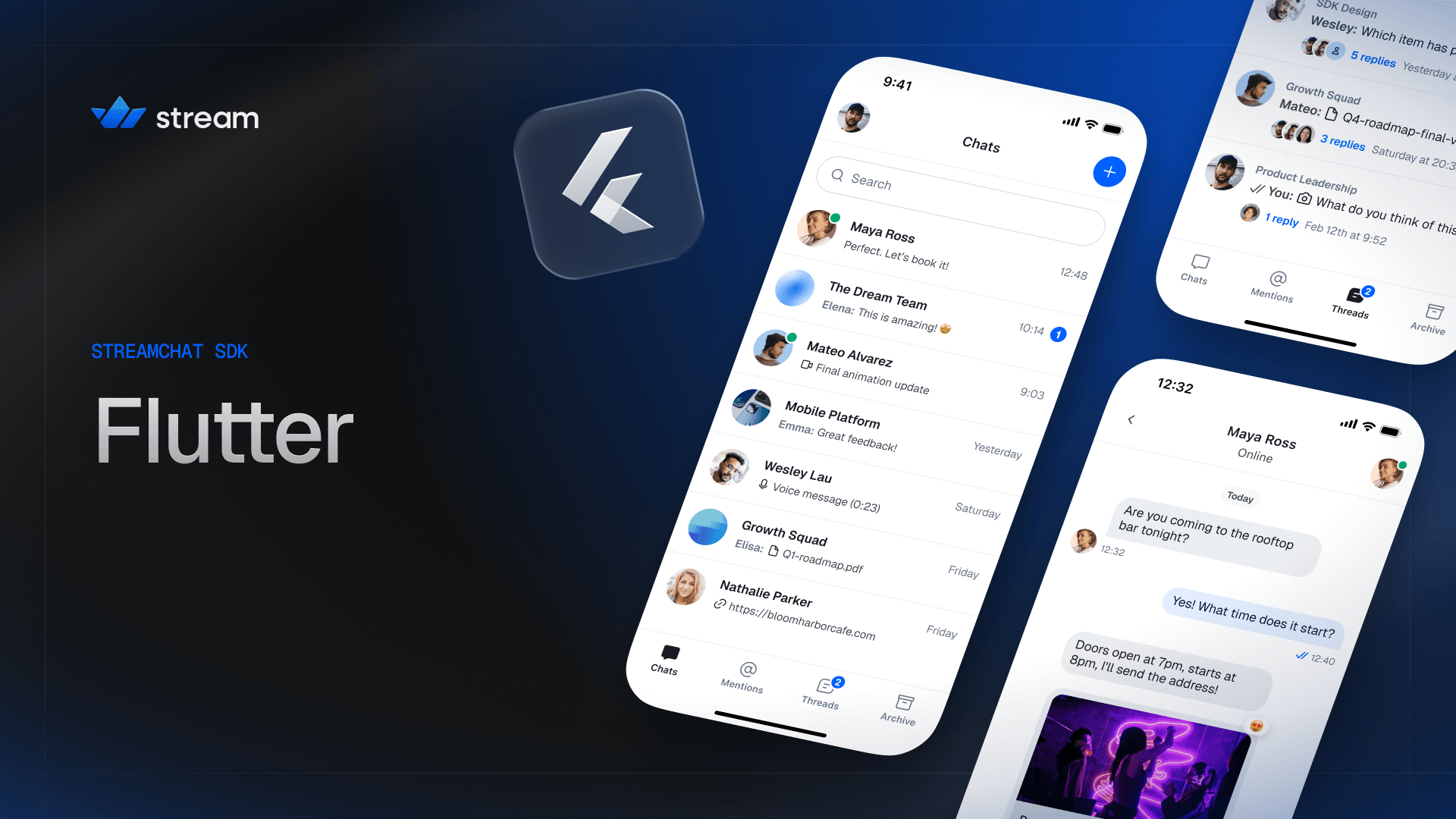


V10 brings a modern redesign, a unified design system shared across all Stream SDK platforms, and improved developer experience.
Quick Links
- Register to get an API key for Stream Chat
- Flutter Chat SDK Tutorial
- Documentation
- Sample app
Version 10 is a major update to the Stream Chat Flutter SDK:
- Modern redesign — refreshed channel list, message list, composer, reactions, avatars, and media viewer with a cleaner, more polished default look.
- Unified design system — design tokens (colors, typography, spacing, icons) are now consistent across all Stream SDK platforms. Theming is rebuilt around
StreamTheme, a FlutterThemeExtensionregistered onMaterialApp.theme. - Cross-platform name alignment — APIs and component names now match their iOS, Android, React, and React Native counterparts (e.g.
StreamMessageComposer,StreamChannelListItem). StreamComponentFactory— a single customization entry point that replaces the scattered builder slots that previously lived on each widget.- Cookbook — new task-oriented recipes for common customizations.
See the V10 Migration Guide for a full list of breaking changes and upgrade instructions.
The UI package ships an extensive set of performant and customizable widgets:
- Rich media messages with Markdown rendering
- Reactions
- Threads and quoted replies
- Typing and read indicators
- Channel and message lists
- Message composer with autocomplete triggers (
@mentions,/commands) - Image, video, and file uploads with previews and a built-in media gallery viewer
- Voice messages
- Polls
- Drafts
- Pinned messages
- Message reminders
- Message actions context menu (reply, edit, copy, pin, delete, flag, mute, block, and more)
- Message search
- Giphy support
- AI assistant streaming responses
- Push notifications (Firebase, APN, and Huawei)
- Offline storage and optimistic updates
- Static and live location sharing
- Localization
- and a lot more.
Check out the sample_app in this repository — a fully functional messenger built with stream_chat_flutter that demonstrates the SDK's core features end to end. It is the recommended reference when wiring things up in your own app.
For more sample apps and demos, visit GetStream/flutter-samples.
Stream is free for most side and hobby projects. To qualify, your project/company needs to have fewer than five team members and under $10,000 in monthly revenue. For complete pricing details, visit our Chat Pricing Page.
Stream Chat Dart is a monorepo built using Melos. Individual packages can be found in the packages directory; configuration and top-level commands live in melos.yaml.
The SDK is layered — each package builds on top of the previous:
The low-level client (LLC), a pure Dart package that wraps the Stream Chat API. Use it directly if you want to build your own UI and state layer.
Provides the business logic, controllers, and builders required to integrate Stream Chat into a Flutter app, without shipping any UI of its own.
The full UI SDK. Includes a set of reusable and customizable UI widgets on top of the core and low-level client packages. This is the recommended starting point for most apps.
Provides a Drift-backed persistence client for offline storage. Plugs into any of the packages above.
Provides a set of localizations for the UI SDK.
We recommend using stream_chat_flutter for most apps. Unless your UI is completely different from the common industry standard, you should be able to customize the built-in widgets to match your needs.
- Use
stream_chat_flutter_coreif you need full UI control but want the data/state logic handled for you. - Use
stream_chatdirectly for maximum control over architecture, UI, and data.
You can also mix and match — it is common to use the UI SDK for most screens and drop down to the low-level client for specific operations.
To get started, run bootstrap after cloning the project:
melos bootstrapThe best place to start is the Flutter Chat Tutorial. It teaches you how to use this SDK and shows how to make frequently required changes.
Every package folder also includes a fully functional example with setup instructions.
All of the Stream Chat packages follow semantic versioning:
- Bug fixes and behavior improvements cause a patch version bump.
- New features are shipped with an increased minor version.
- Incompatible API changes cause a major version increase.
Occasionally, the SDK can include visual changes (whitespace, color, sizing) in minor versions as we continuously improve the default look of our UI widgets.
See the installation docs and the releases page for the full version history.
We've recently closed a $38 million Series B funding round and we keep actively growing. Our APIs are used by more than a billion end-users, and you'll have a chance to make a huge impact on the product within a team of the strongest engineers all over the world.
Check out our current openings and apply via Stream's website.